 Bookyo
Press
Everything for a story about Bookyo: the latest press release, facts, images in eight languages and a direct contact. Images may be used freely for coverage of Bookyo, credited “Image: Bookyo”.
At a glance
- What
- Free reading app: shelf, reading timer, goals, reading paths, social reading, e-book reader
- Idea
- Turn a few minutes a day into a reading habit. Five minutes is a fine goal, and breaks are okay.
- Price
- Free. No ads, no tracking, no in-app purchases. Coins are earned by reading and taking part and can’t be bought.
- Platforms
- iPhone and iPad (iOS 16.4+), Android (7.0+), web at bookyo.org
- Languages
- Deutsch, English, Türkçe, Español, Français, Italiano, 日本語, العربية
- Age
- 13+, under 16 with parental consent
- Latest
- Version 1.5.0, 3 November 2026: iPad, a shelf of its own for manga and comics, comic reader, new story tools
- Made by
- Yusuf Öz, independent, Ravensburg, Germany
Bookyo 1.5.0 brings the ad-free reading app to iPad – with a shelf of its own for manga and comics
The update adds a comic reader, fair points for picture pages and new story tools. And as the year winds down, “Your reading year” shows what it all added up to.
Ravensburg, Germany, 3 November 2026 – Bookyo, the free reading app, is out in version 1.5.0 and runs on iPad for the first time. The update also gives manga and comics their own book type, adds a reader for comic files and brings new tools for stories. Bookyo has no ads, no tracking and no in-app purchases. It is available for iPhone, iPad and Android and in the browser at bookyo.org, in eight languages.
Manga and comics: same reading time, same reward
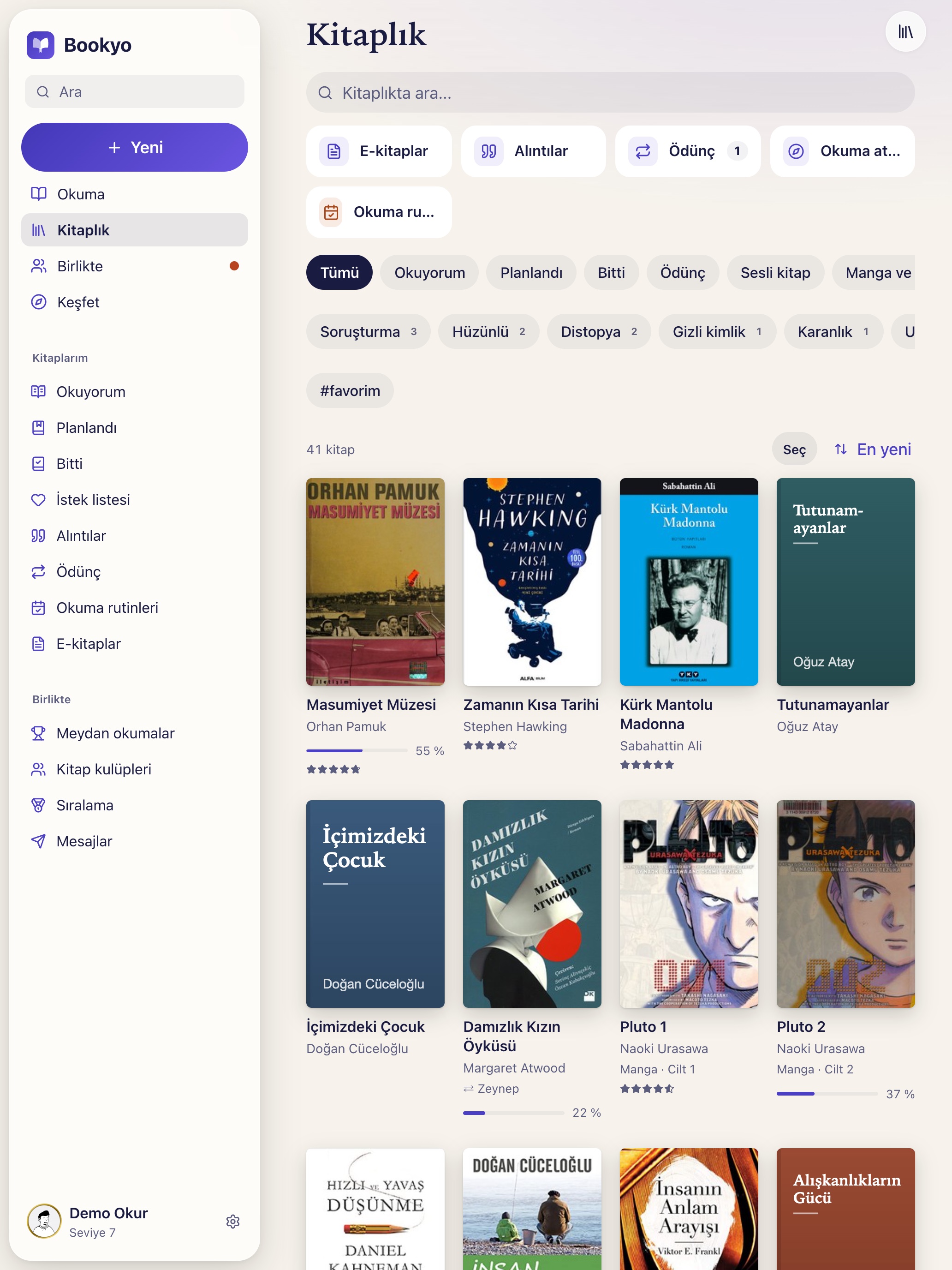
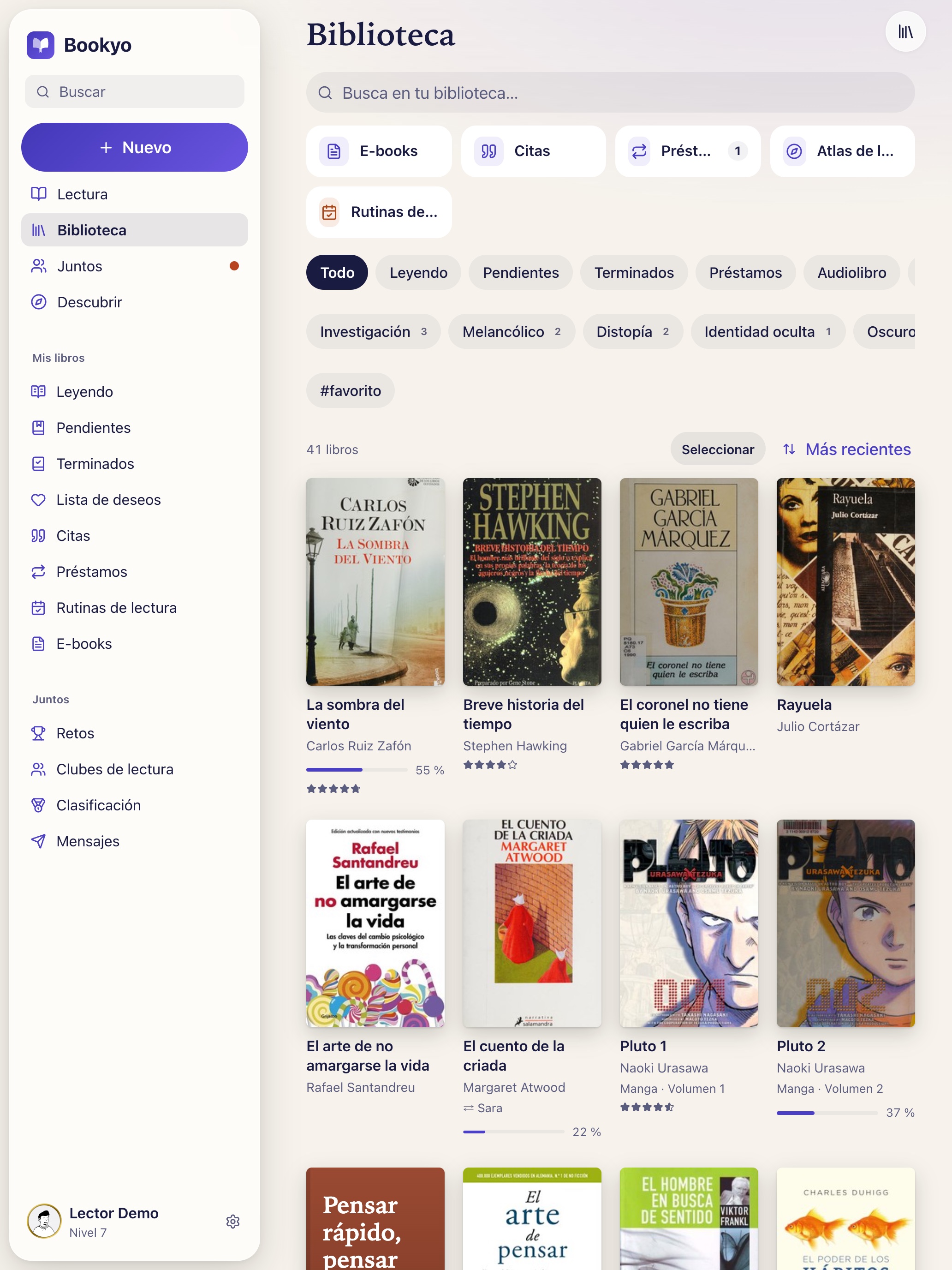
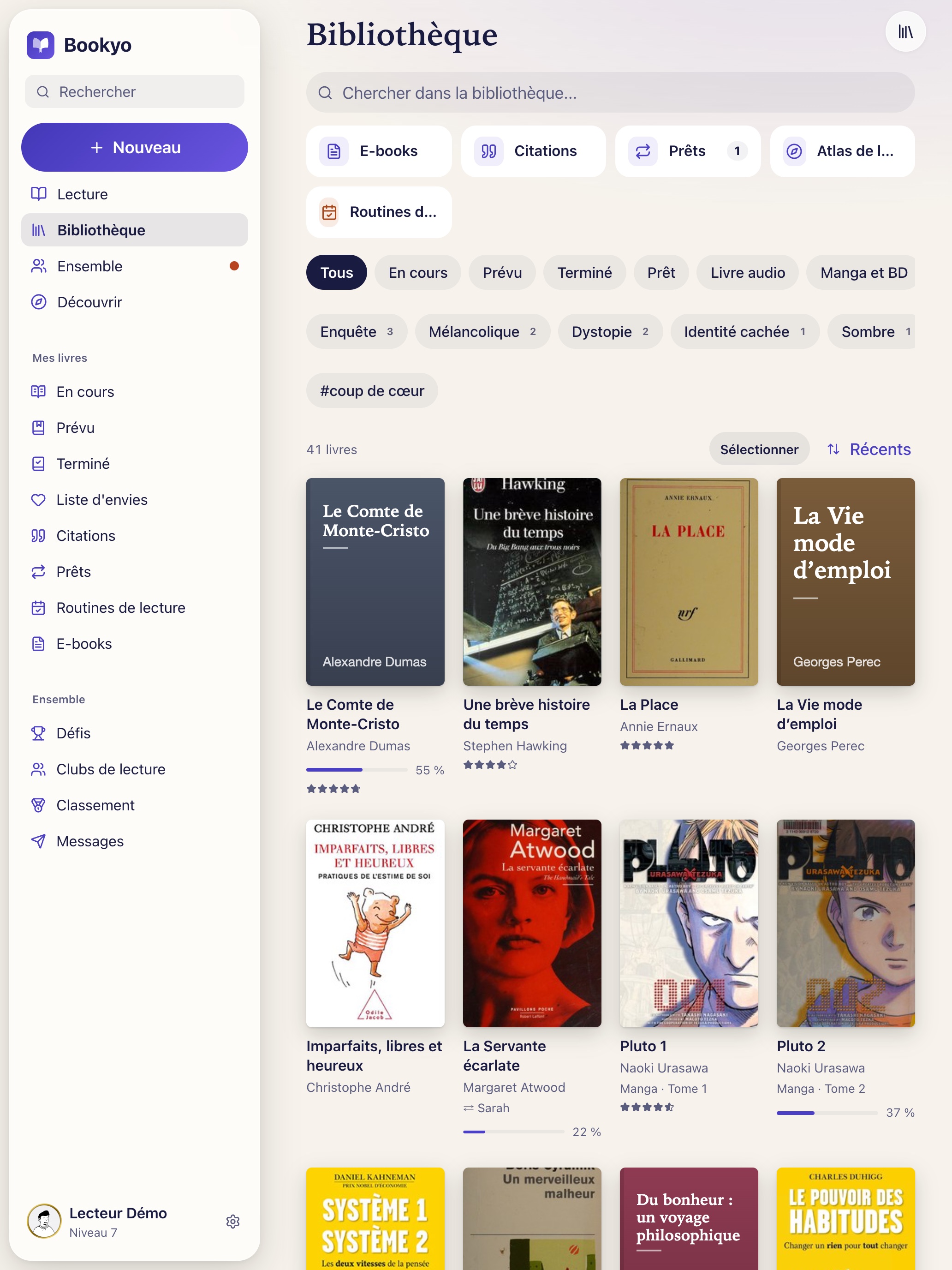
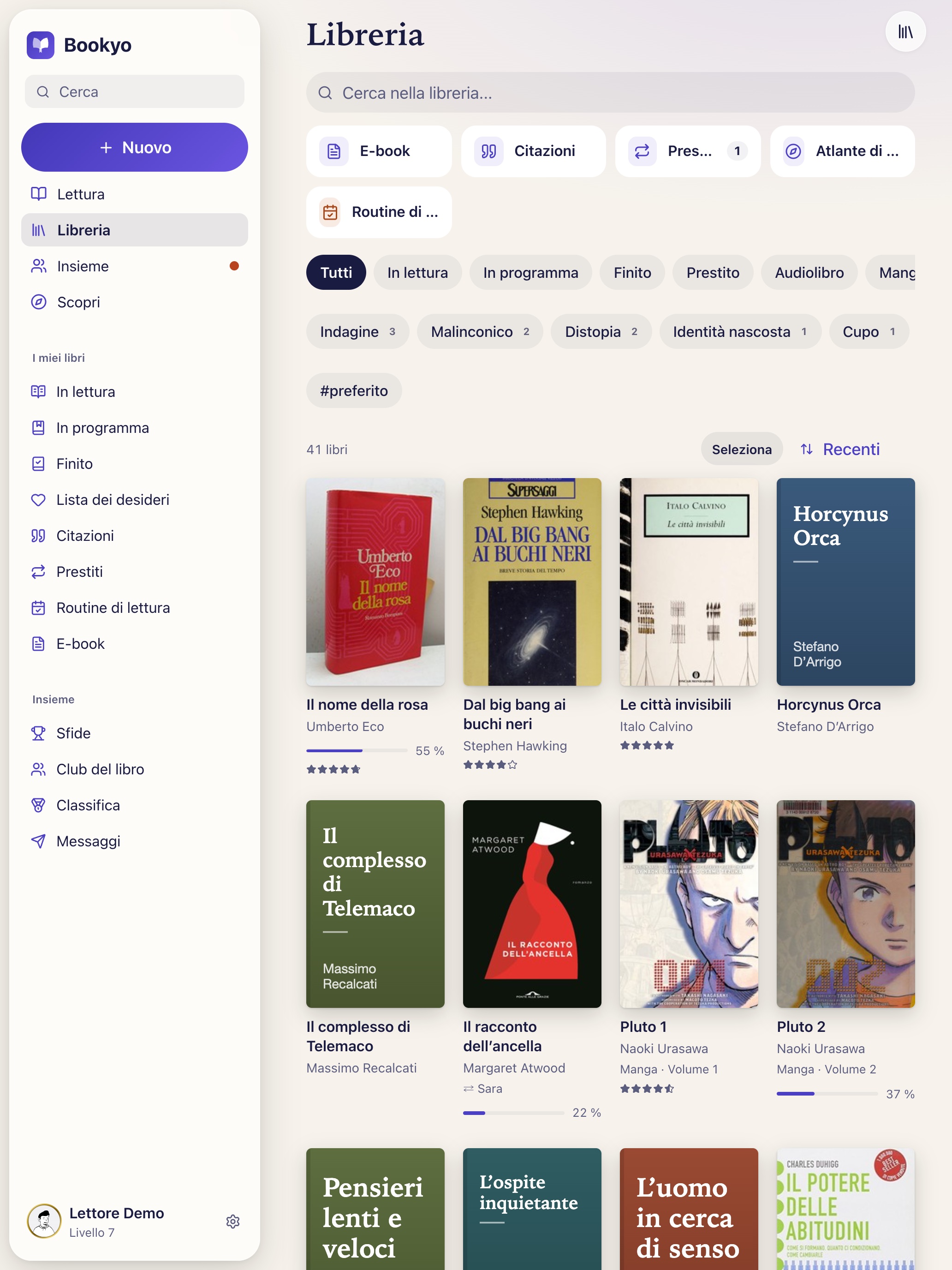
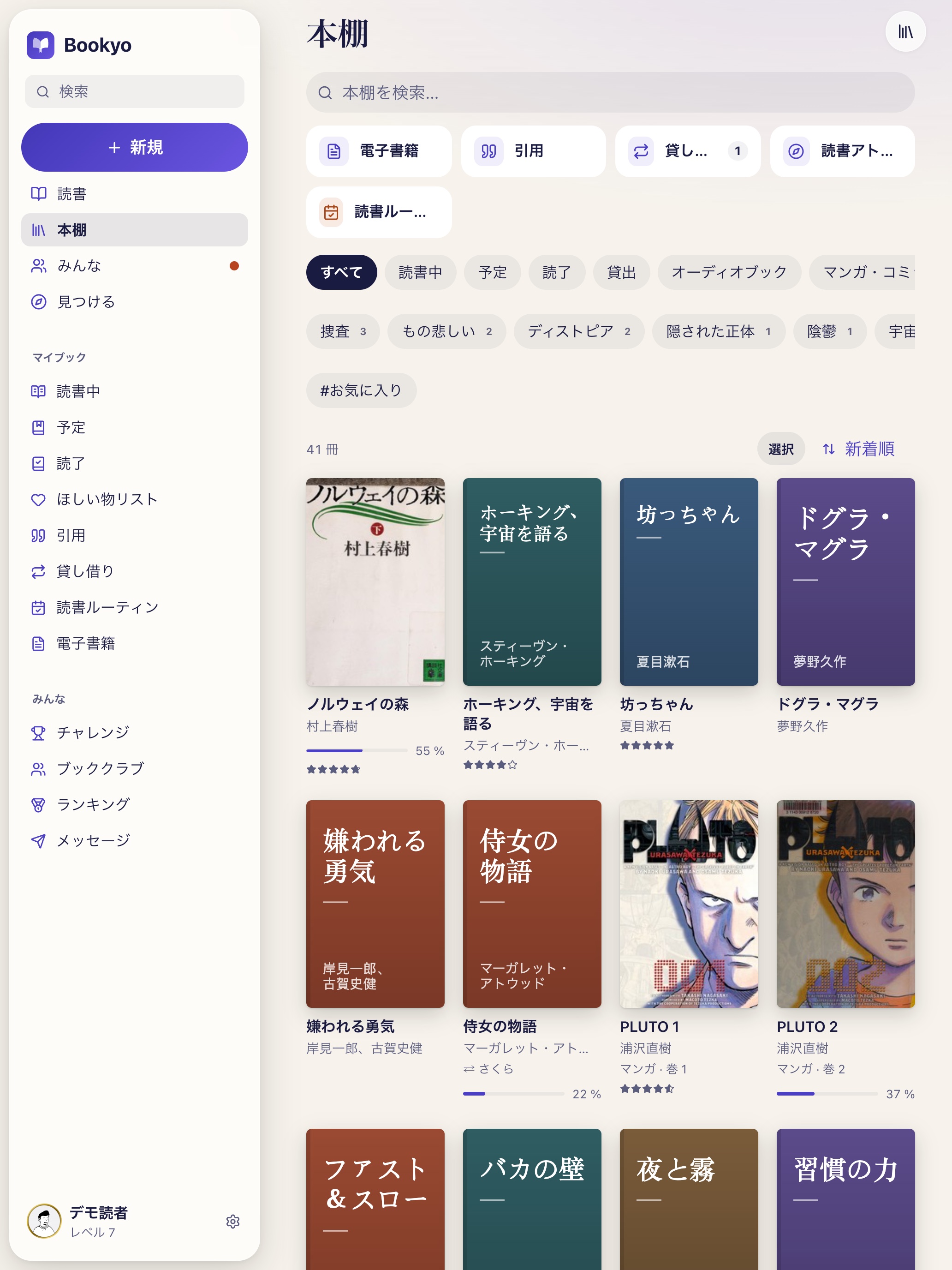
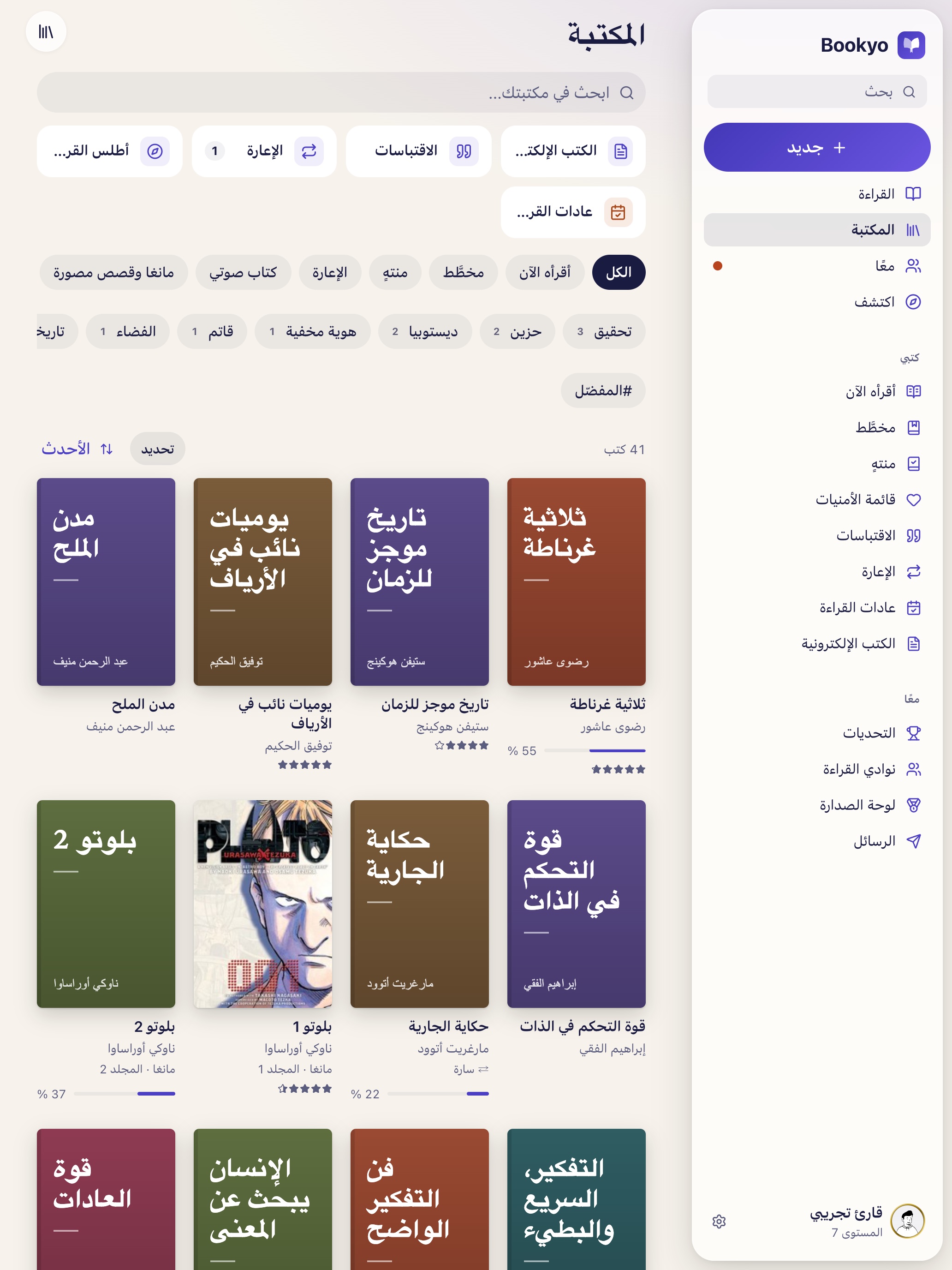
Manga and comics now have their own book type and their own shelf in the library. Because a picture page reads faster than a page of prose, it counts as a quarter page for points, coins and challenges – so the same time spent reading earns the same reward, novel or manga. Series can be added in one go, say volumes 1 to 12; gaps get filled, several volumes can be marked as read at once, and the next volume shows up right on the card. Comic files in CBZ format open in the built-in reader page by page, right to left if you like, and as a two-page spread on wide screens. The files stay on your own device.
Now on iPad
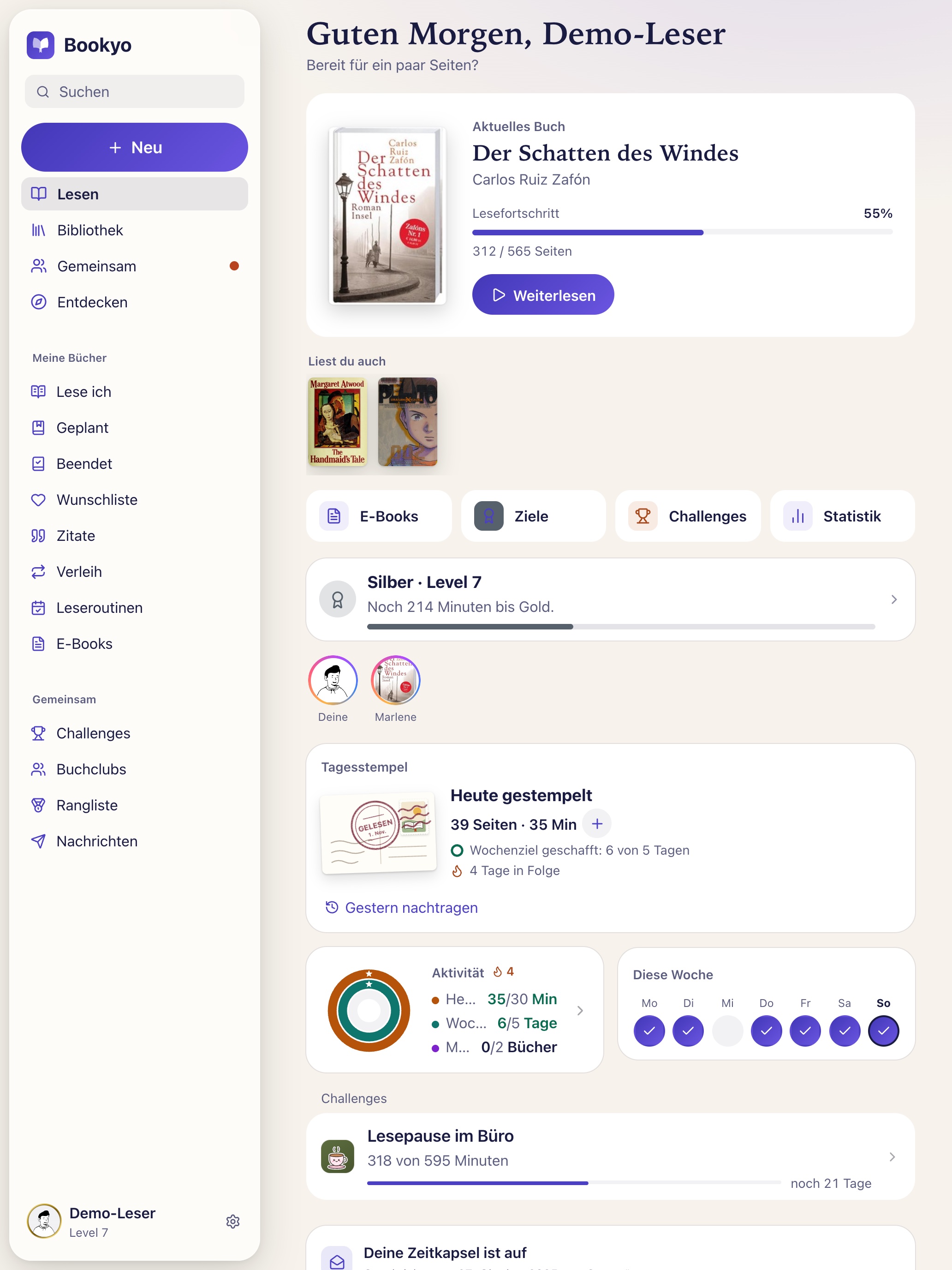
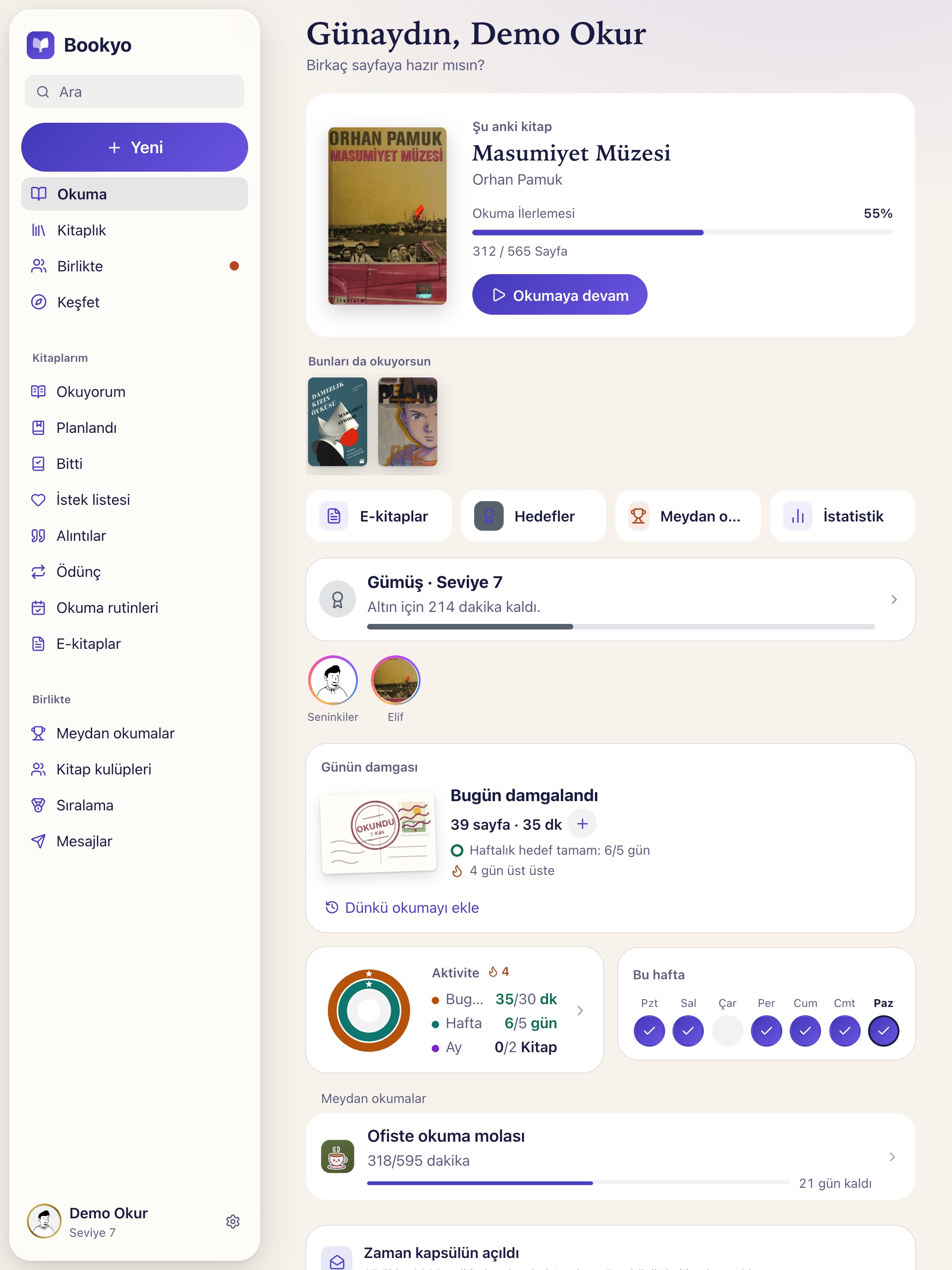
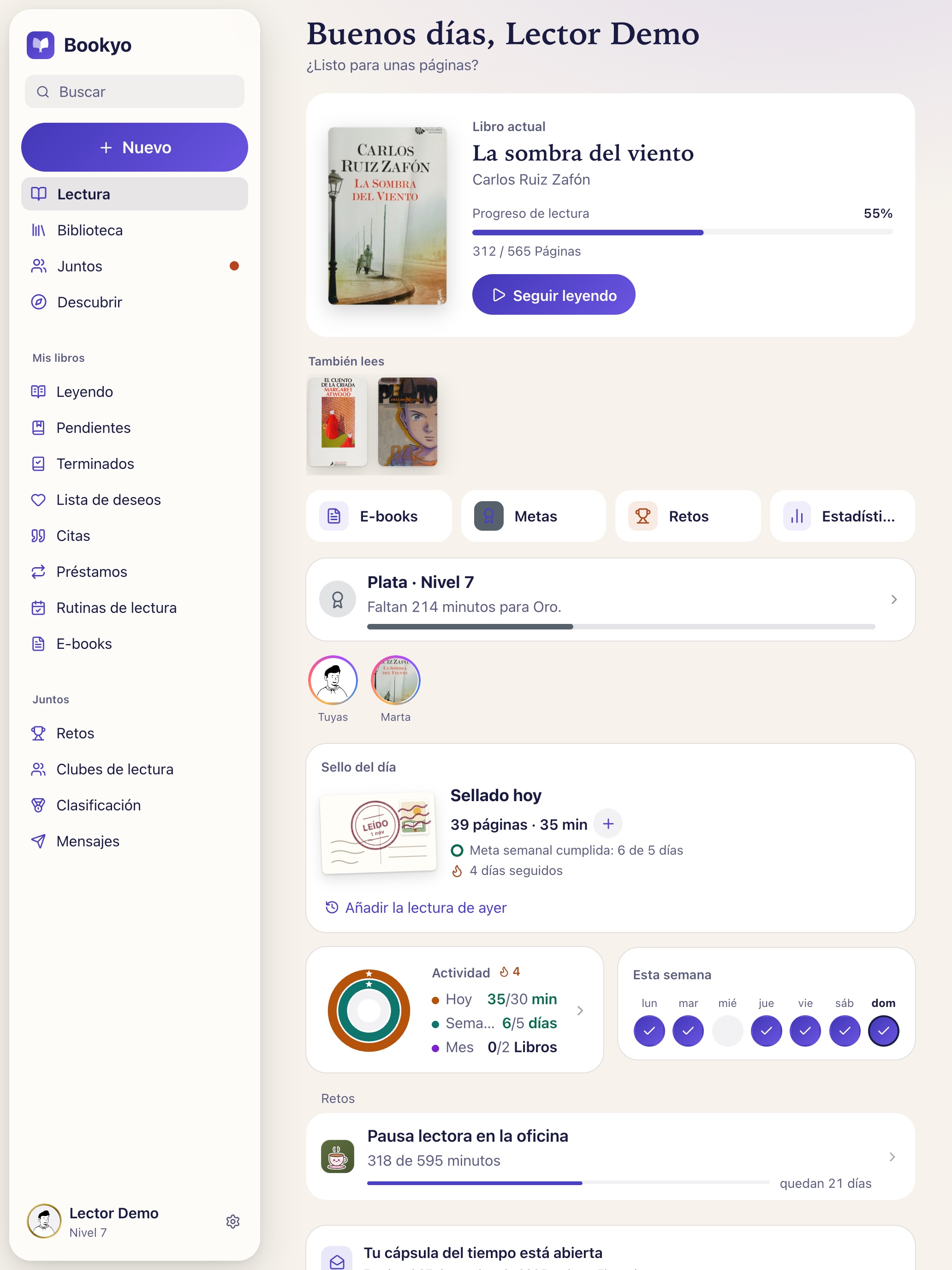
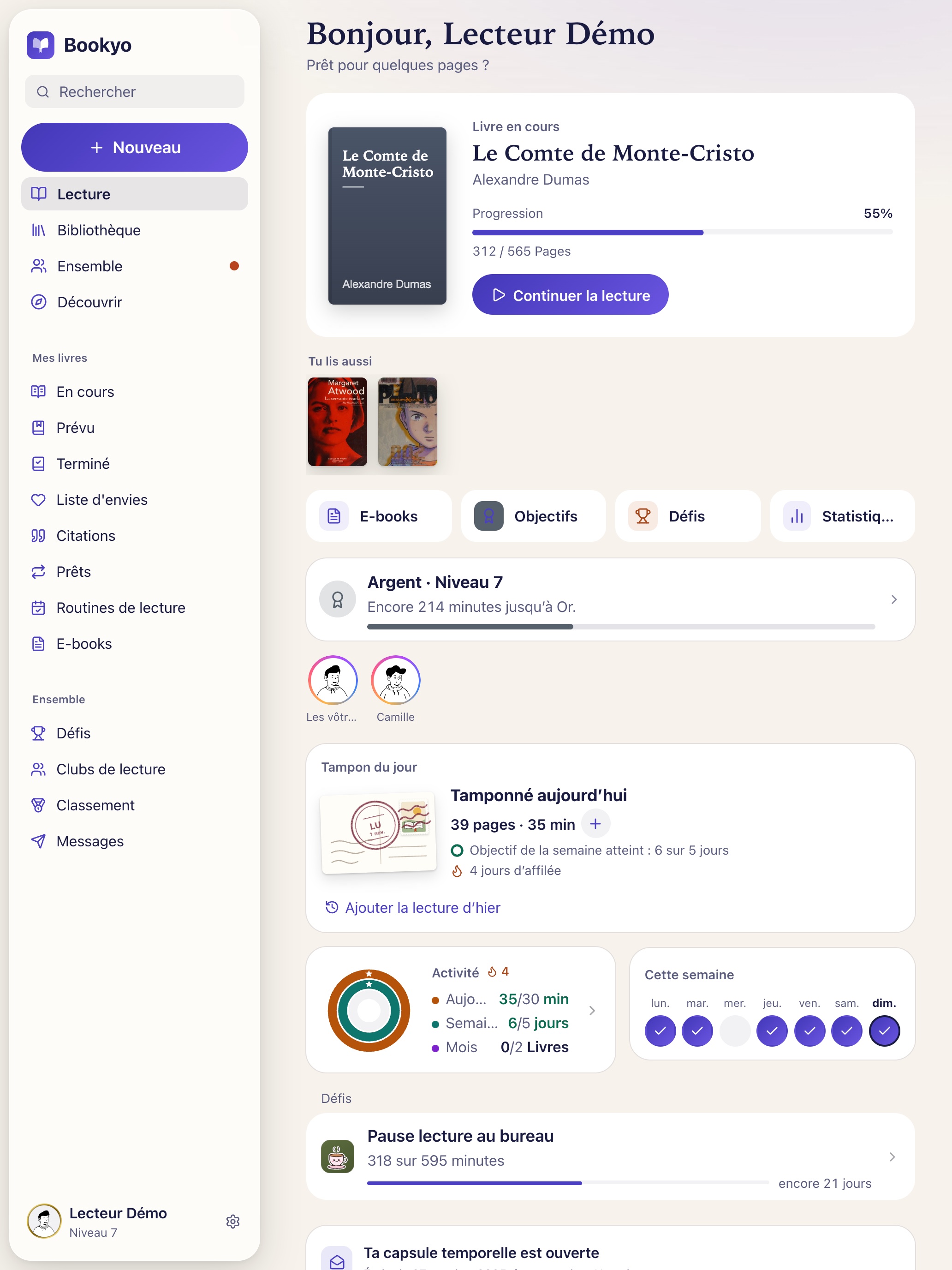
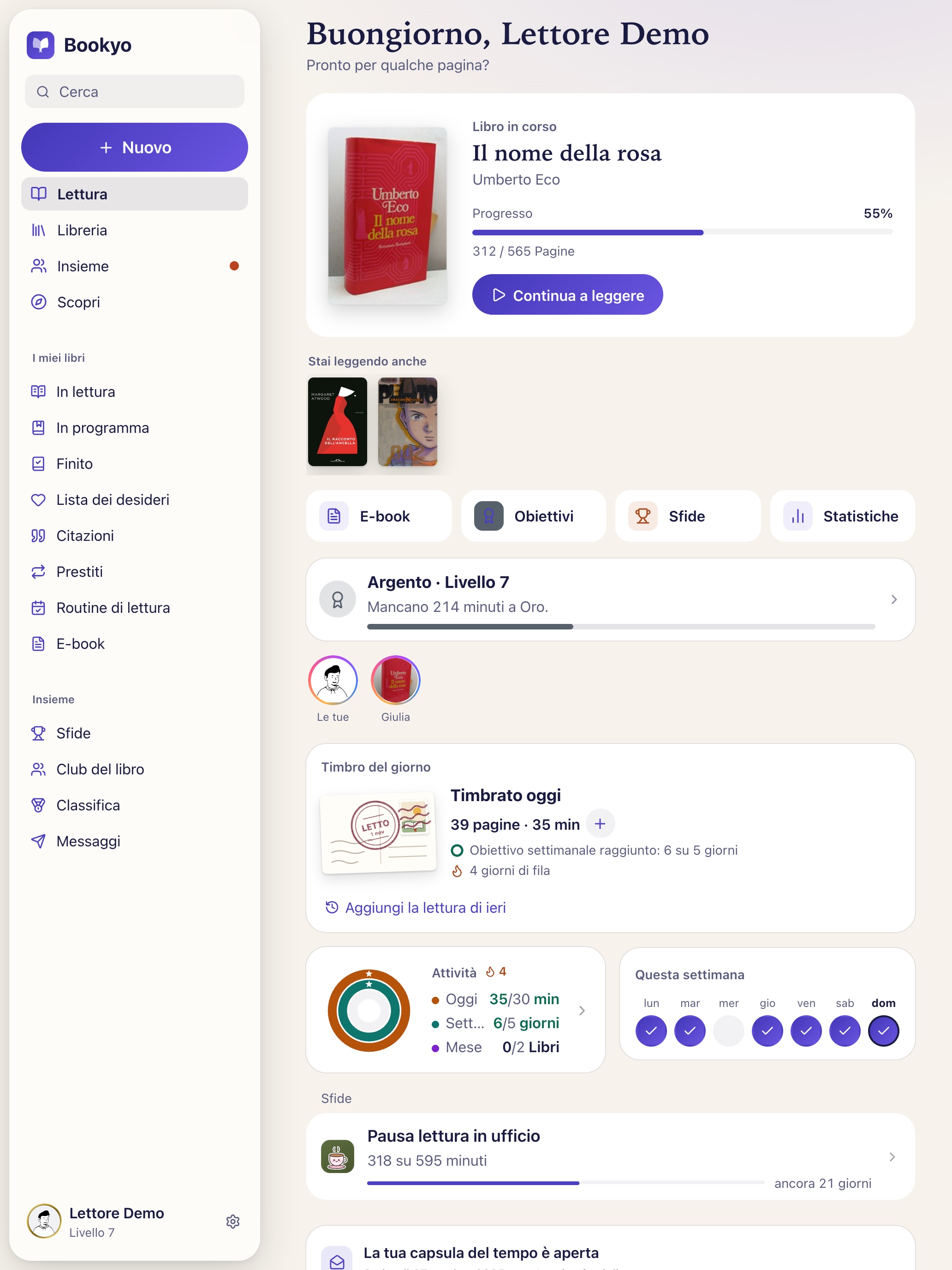
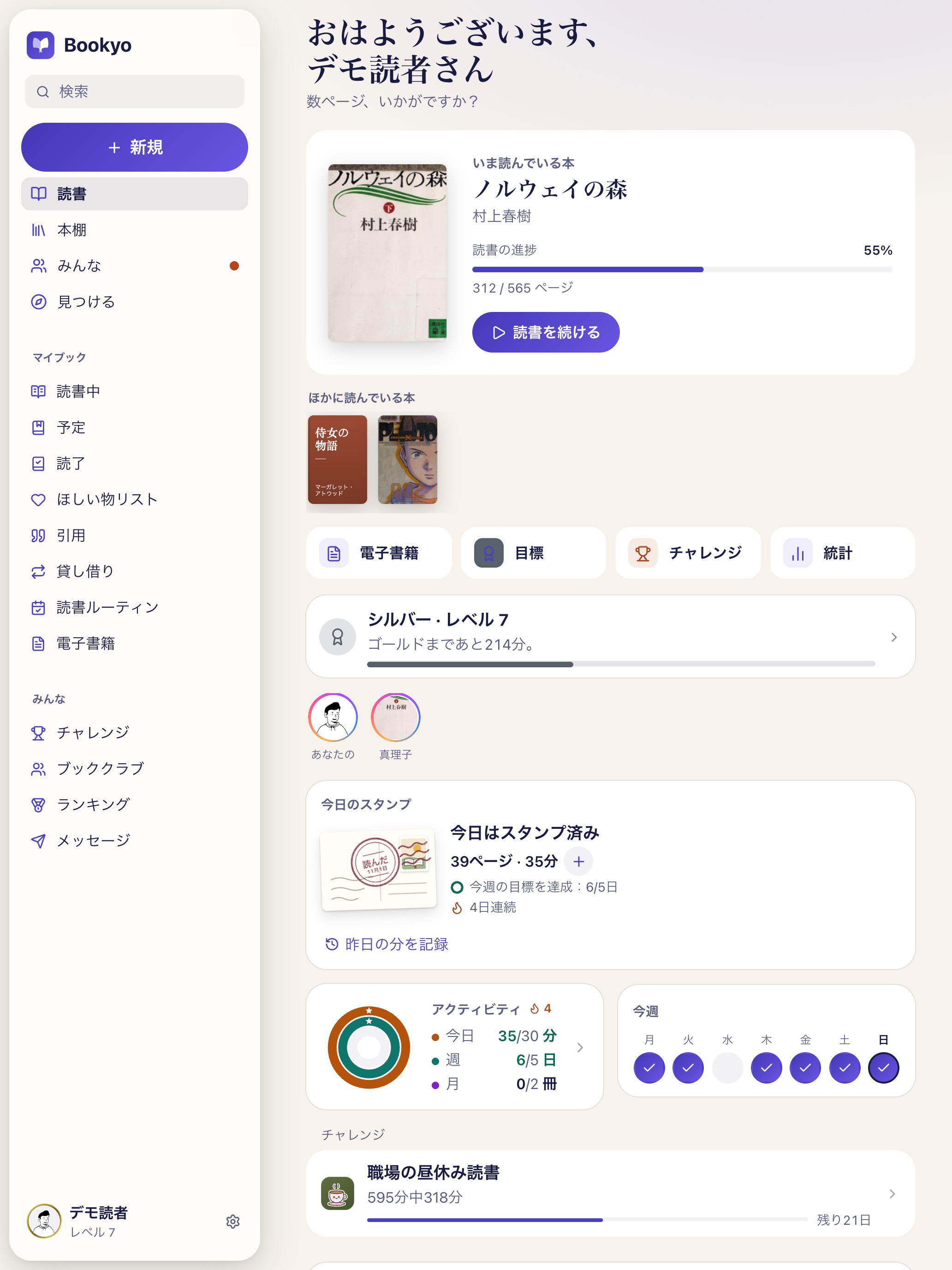
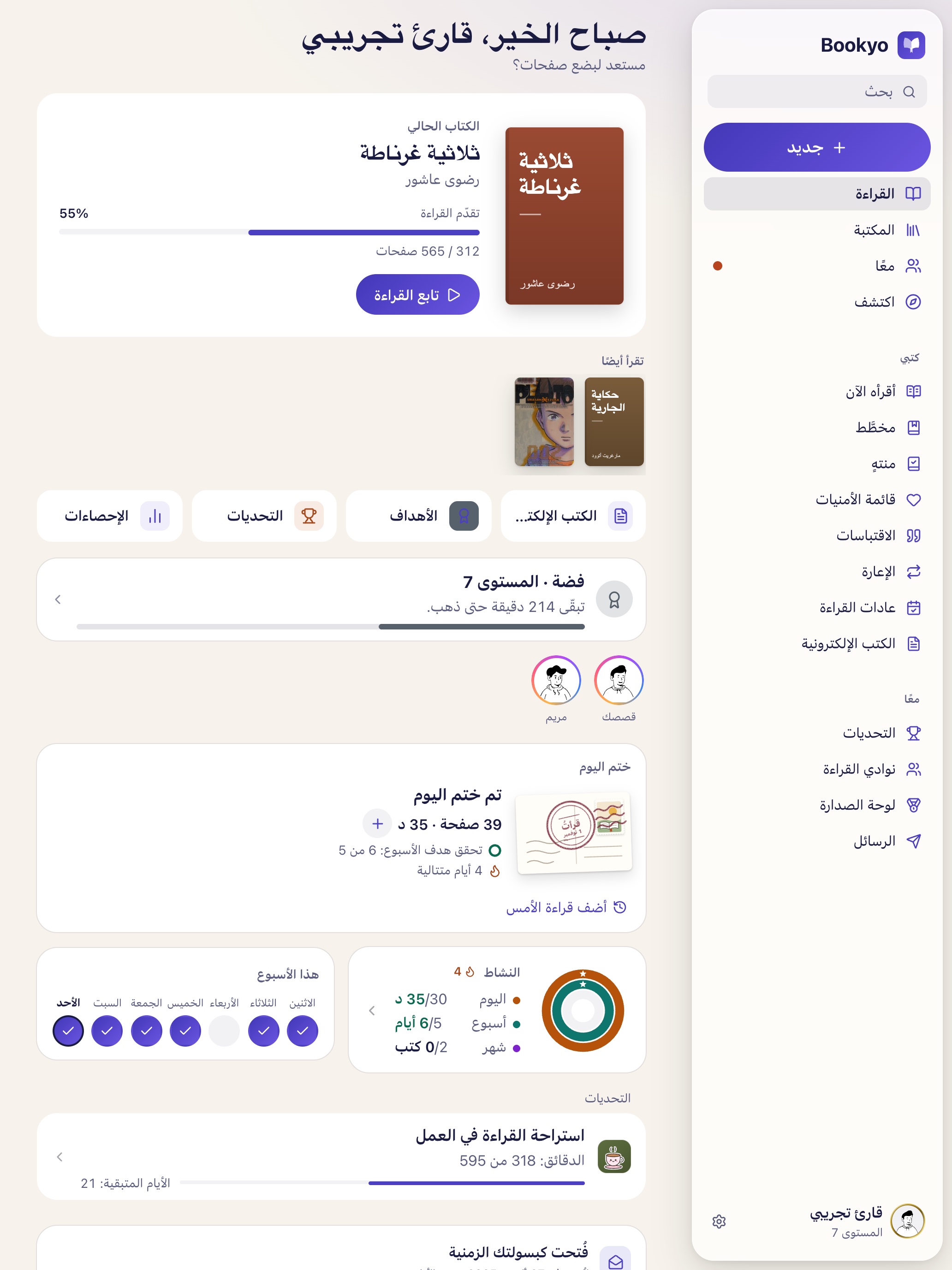
On iPad, Bookyo makes use of the space with a sidebar; tablets and foldable phones get more room as well.
More tools for stories
Sharing what you're reading now comes with question stickers, an emoji slider and animated stickers, photos you can zoom and rotate, and Undo. Stories can be hidden from individual people, and highlights can be grouped into titled collections. Friends' stories now also appear on the “Reading” home screen.
Also new
A shelf shop with eight new pieces for your bookshelf, paid for with coins you earn by reading and taking part – coins can't be bought. “Read with friends” invites friends with one tap. A single notifications screen lets you choose what Bookyo tells you about; after a reading break, a gentle nudge if you want one. A short tour shows where everything is.
As the year ends: Your reading year
December is when many readers look back. In Bookyo, “Your reading year” under Stats sums up the year as a series of cards: time spent reading, books finished and pages read, the longest book, the favourite genre, the strongest month and the time of day you read most. Cards without data simply don't appear. The review can be shared and keeps growing until 31 December. Coming from Goodreads or StoryGraph? A CSV import brings titles, ratings and reading dates along.
“I wanted an app that's happy with five minutes of reading a day,” says Yusuf Öz, founder of Bookyo. “With manga, it bothered me that a picture page you read in seconds counted the same as a page of a novel. Now it's the reading time that counts – whatever you read.”
About Bookyo
Bookyo (“Your books. Your story.”) is a free reading app built to turn a few minutes a day into a reading habit – without guilt: breaks are explicitly fine. Books go on the shelf by search or barcode scan, a reading timer tracks minutes and pages, and goals, streaks and reading levels make progress visible. More than 130 reading paths (written in German and English), a literary atlas and “Read like …” help find the next book. Reading together works through stories, posts, book clubs and challenges – including team challenges with an invite code for friends, colleagues or a class. An e-book reader opens your own EPUB, PDF and CBZ files. Bookyo shows no ads, uses no analytics tools and needs no cookie banner; coins are earned by reading and taking part and can't be bought. The app is for ages 13 and up (under 16 with parental consent) and available in Deutsch, English, Türkçe, Español, Français, Italiano, 日本語 and العربية. Bookyo is developed and run independently by Yusuf Öz in Ravensburg, Germany.
Availability
- iPhone and iPad (iOS/iPadOS 16.4 or later): https://apps.apple.com/app/id6818030196
- Android (Android 7.0 or later): https://play.google.com/store/apps/details?id=org.bookyo.app
- Browser: https://bookyo.org – including “Look around without an account”
Boilerplate
Ready to use in articles, directories and profiles.
50 words
Bookyo is a free reading app with no ads, no tracking and no in-app purchases. A reading timer, small daily goals and challenges with friends turn a few minutes a day into a habit. New in 1.5.0: iPad support and a dedicated manga and comics shelf. iPhone, iPad, Android, web.
100 words
Bookyo is a free reading app that turns a few minutes a day into a reading habit – without the guilt. Add books by search or barcode scan, let the reading timer count minutes and pages, and watch your streak grow. Read together through stories, book clubs and challenges with friends. Version 1.5.0 brings Bookyo to iPad and gives manga and comics their own book type, with a fair page value and a reader for CBZ files. Bookyo shows no ads, does no tracking, has no in-app purchases and is available in eight languages on iPhone, iPad, Android and at bookyo.org.
250 words
Bookyo (“Your books. Your story.”) is a free reading app that wants to get people reading again, a few minutes a day. Five minutes is a fine goal, and breaks are explicitly okay. Books go on your shelf by search or barcode scan, with covers and page counts filled in automatically. Lists from Goodreads or StoryGraph come along via CSV import. A reading timer tracks minutes and pages; rings, streaks and reading levels make progress visible, and points and coins are earned, never bought. For the next book, there are more than 130 reading paths (written in German and English), a literary atlas and “Read like …” with sourced recommendations. Reading together happens through stories, posts with comments, direct messages, book clubs and challenges – including team challenges with an invite code for friends, colleagues or a class. A built-in reader opens your own EPUB, PDF and CBZ files, which stay on your device. At year's end, “Your reading year” sums it all up as shareable cards. Version 1.5.0 brings Bookyo to iPad for the first time. Manga and comics get their own book type and shelf: a picture page counts as a quarter, so equal reading time earns equal reward; whole series can be added in one step; and comic files can be read right to left. Bookyo shows no ads, uses no analytics tools and offers no in-app purchases. The app is for ages 13 and up, available in eight languages and built independently by Yusuf Öz in Baden-Württemberg, Germany.
Images
ZIP · 1,9 MBEverything at once: press release, fact sheet, hero image, iPad screenshots and icon (English)
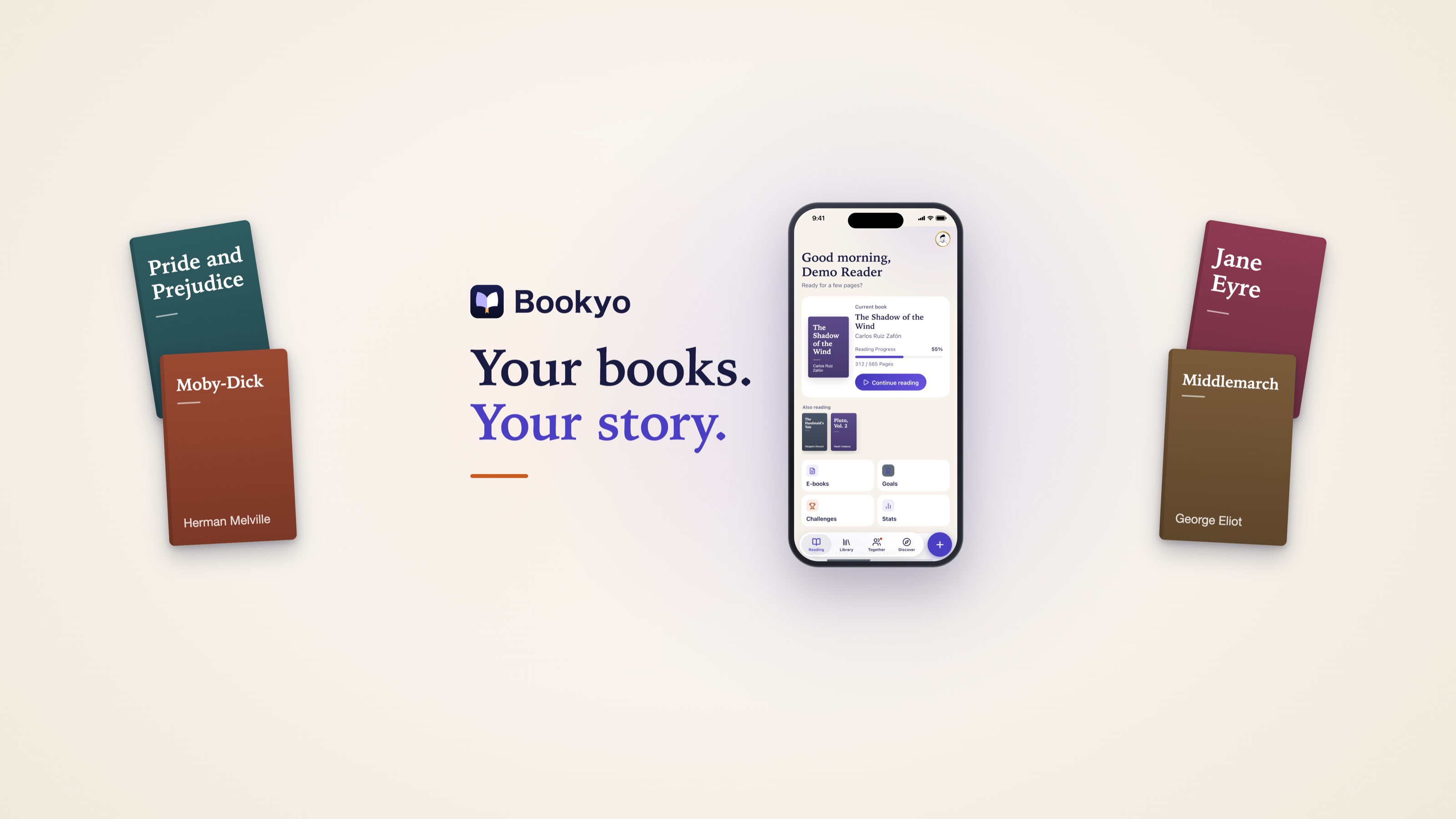
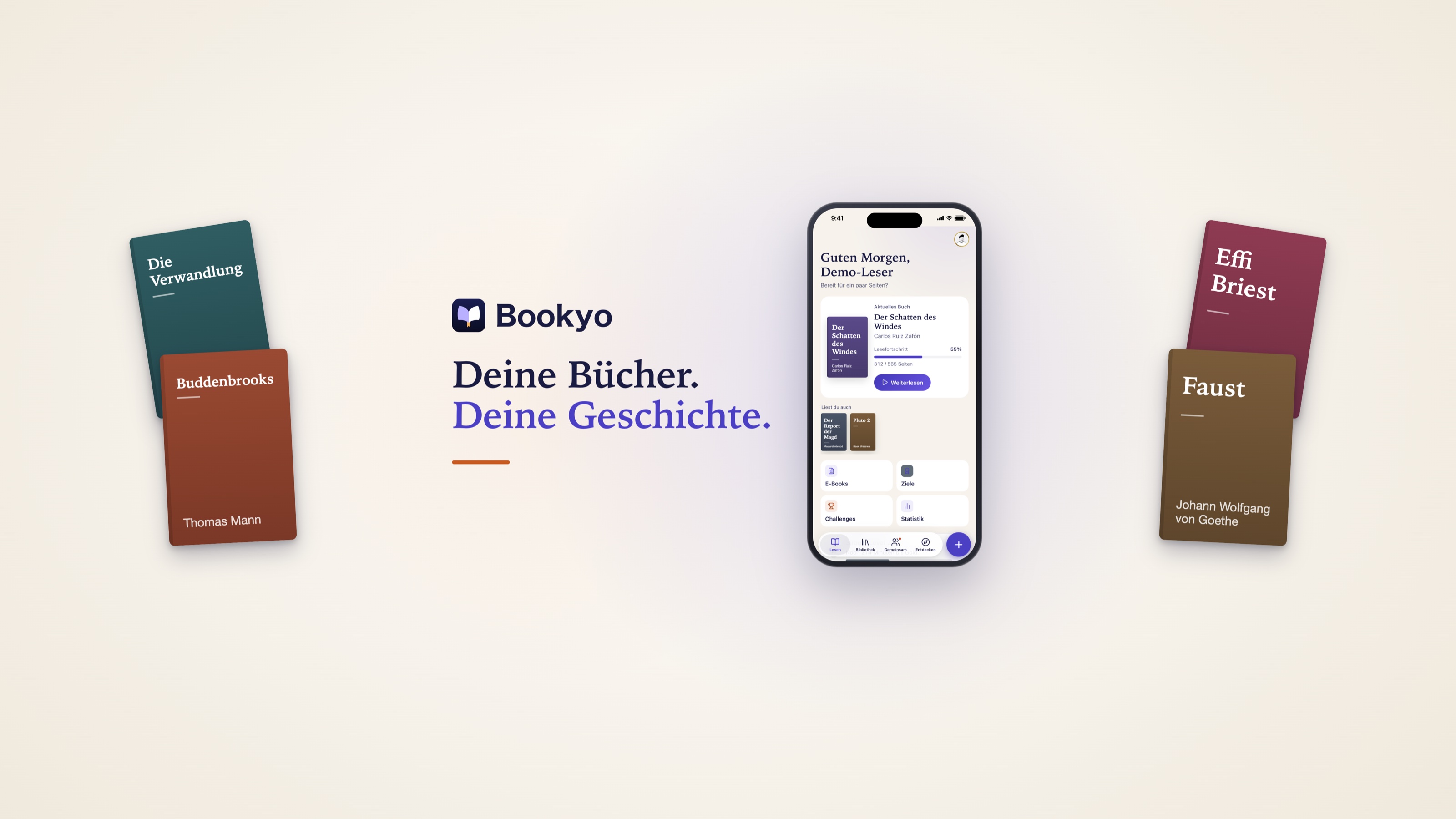
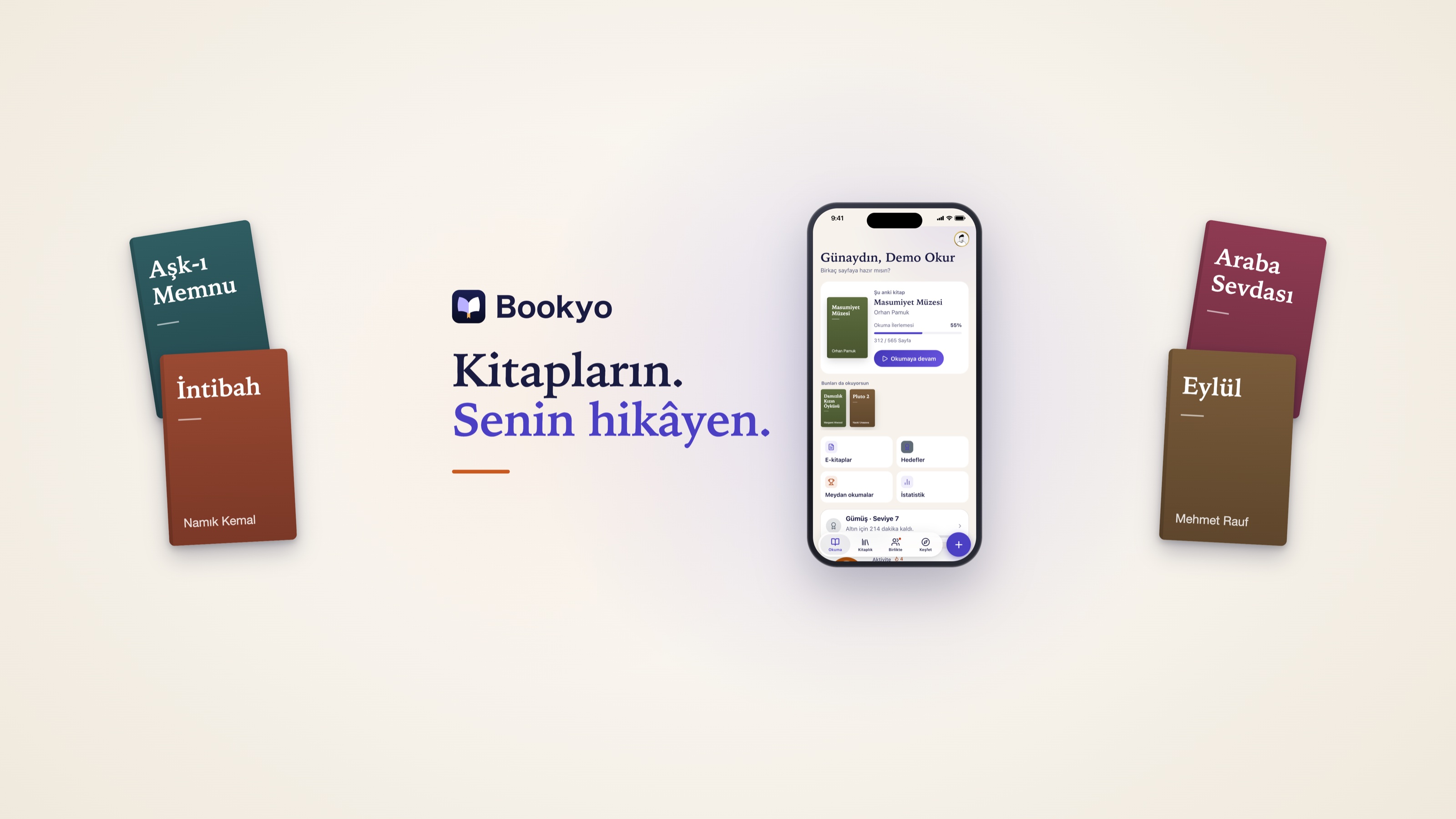
Hero images (16:9, 3200 × 1800)
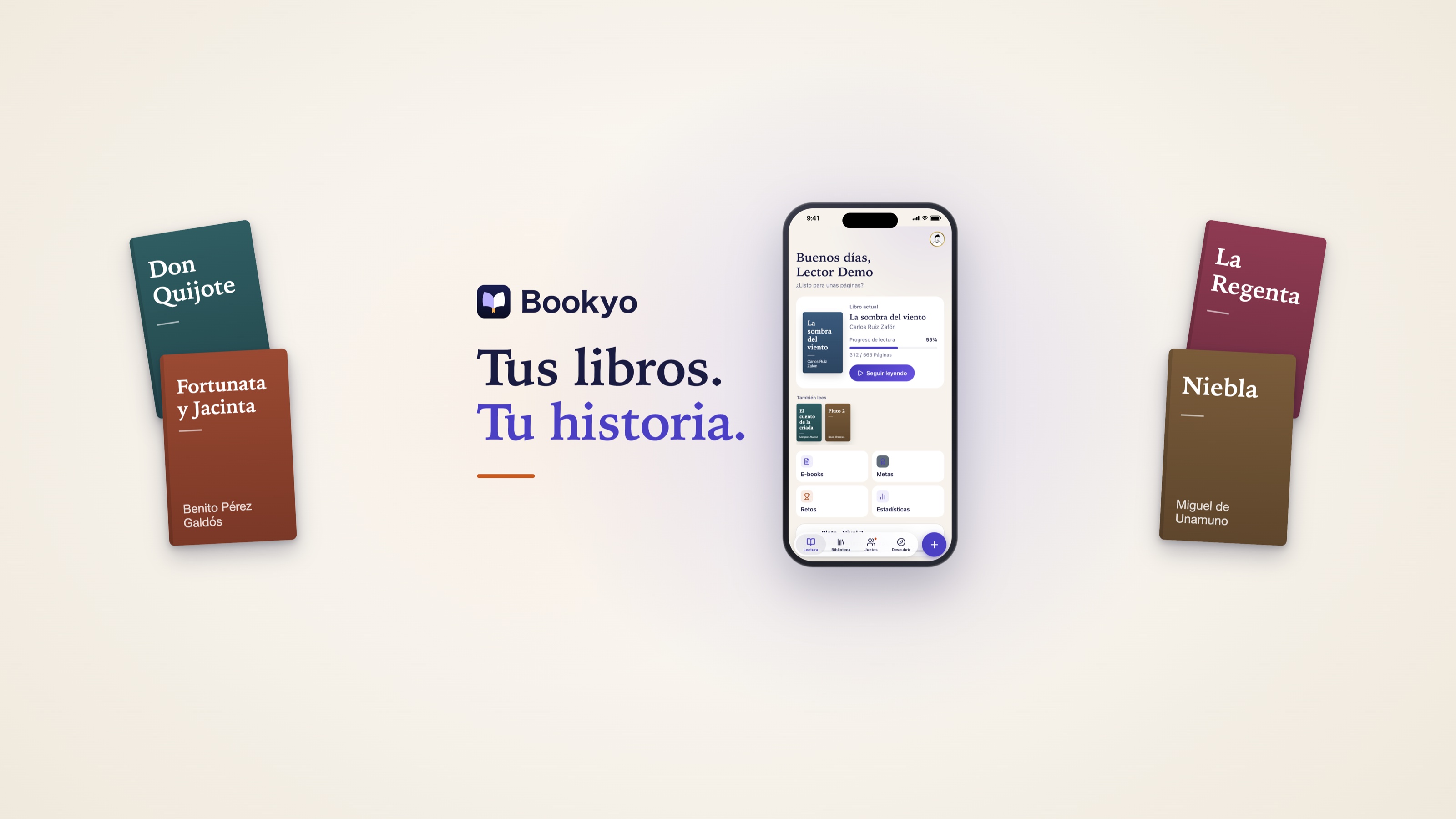
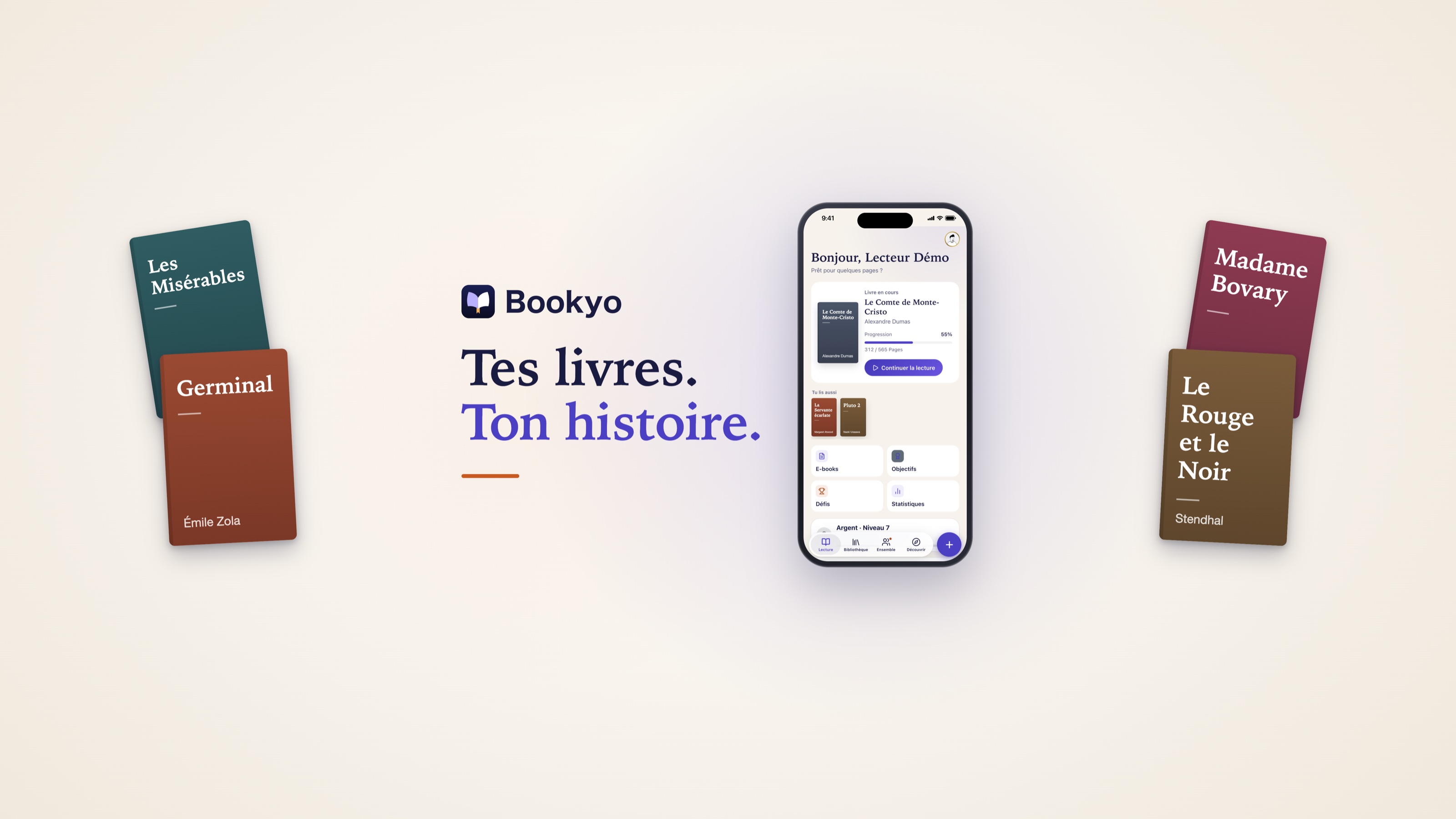
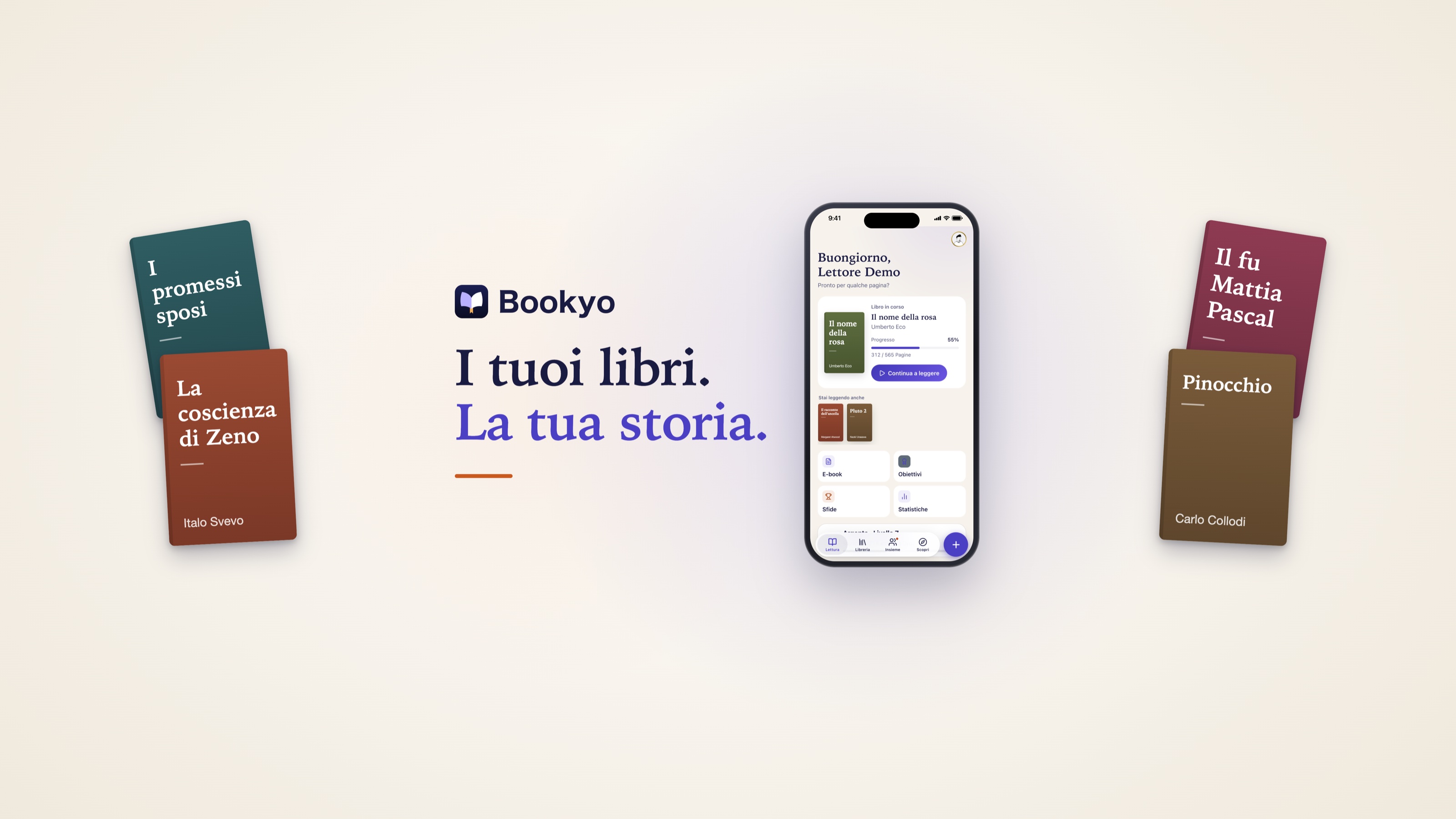
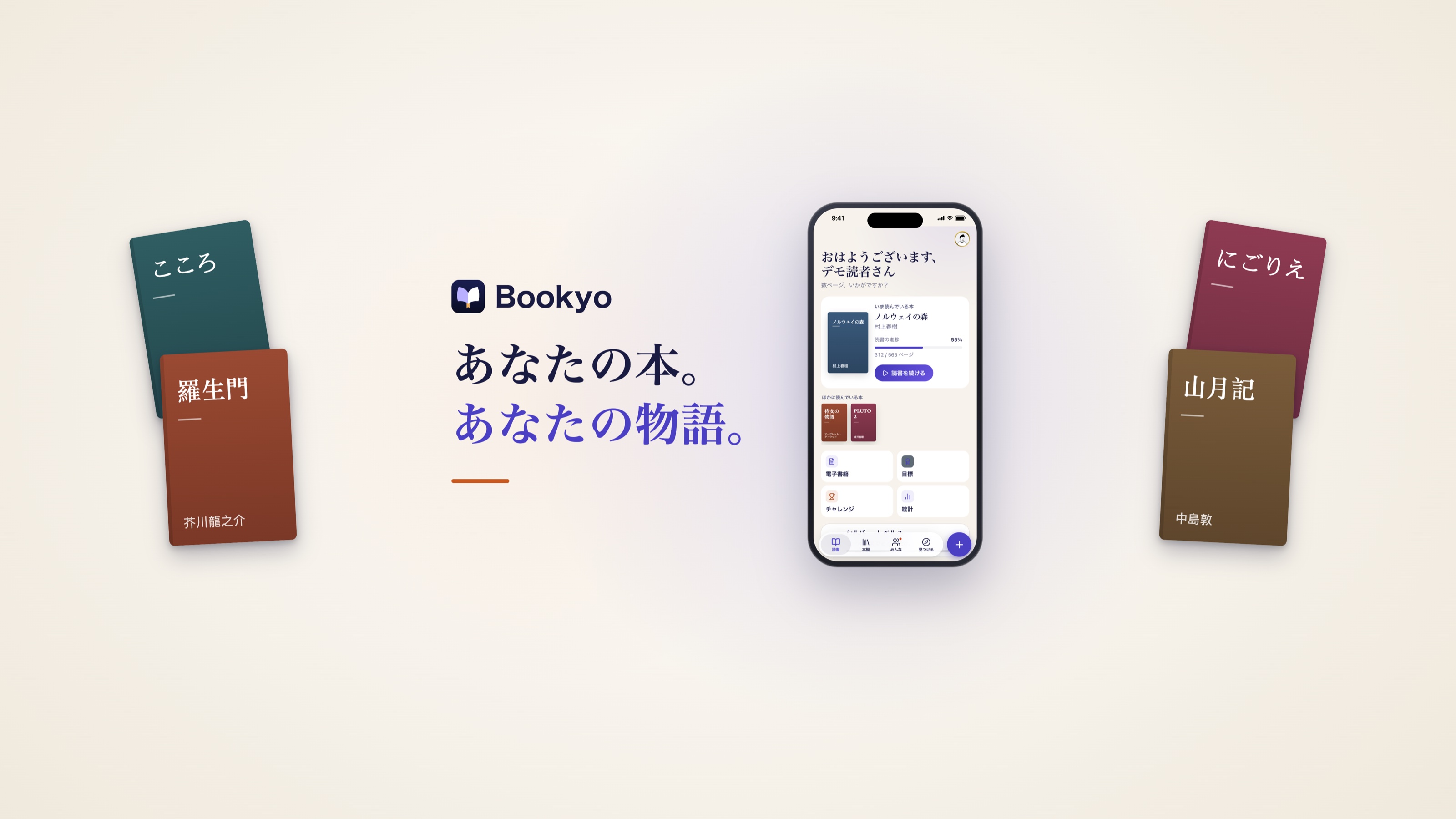
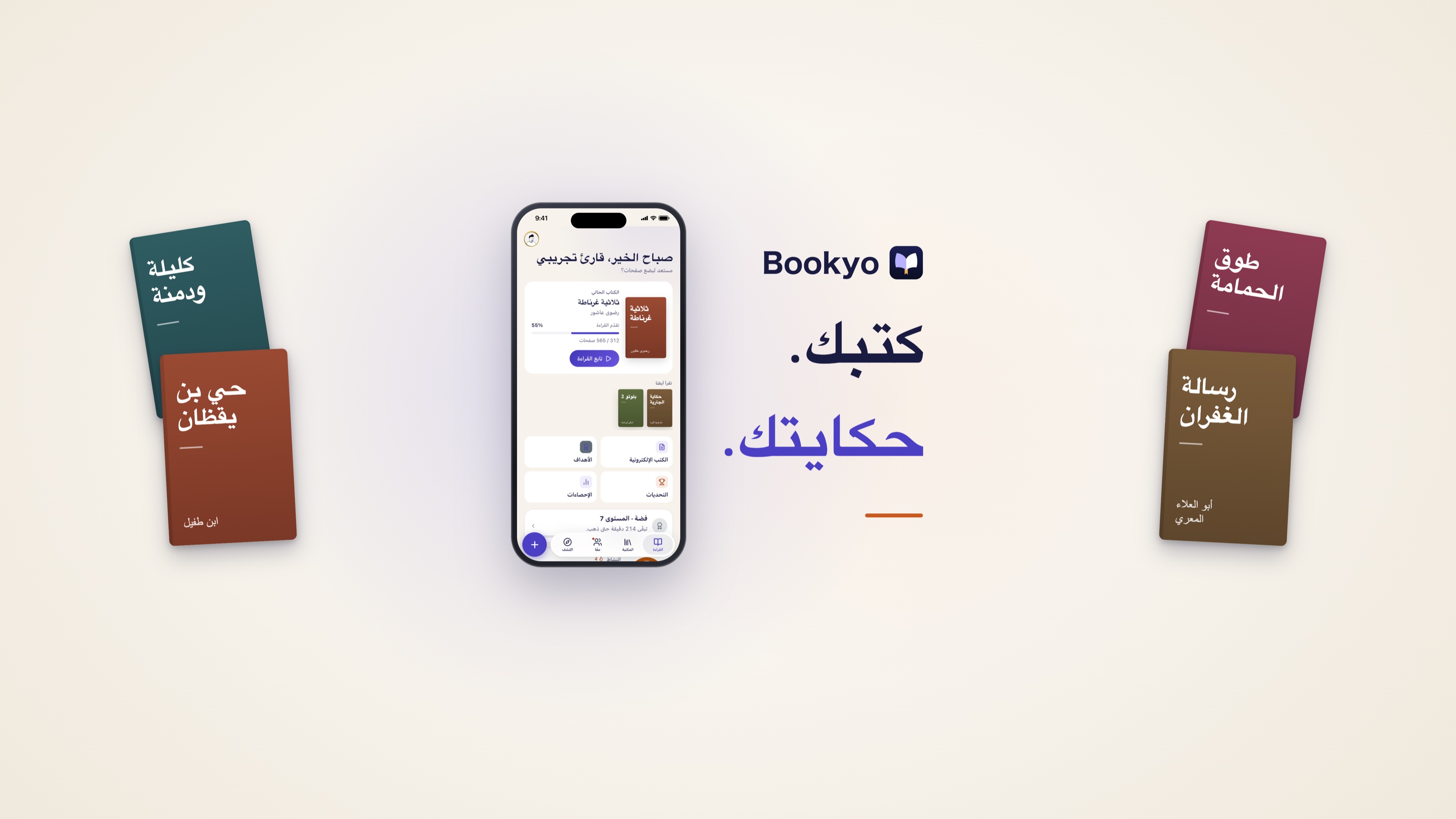
Tagline, iPhone and drawn covers of public-domain classics from each language’s own literature. No third-party covers.
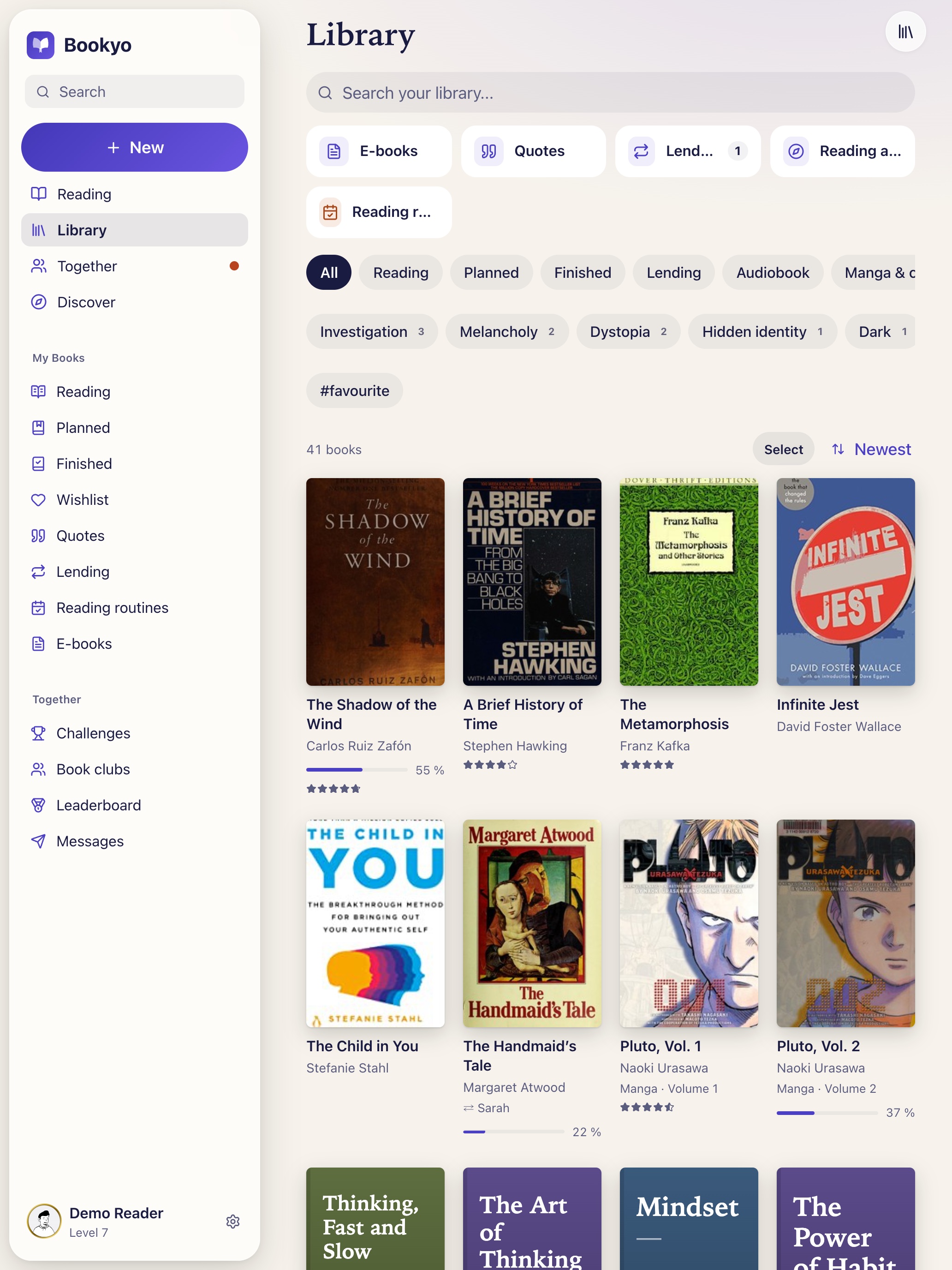
iPad (2064 × 2752)
New in 1.5.0. The screenshots show the demo library with publishers’ covers; the rights to those covers remain with the publishers.
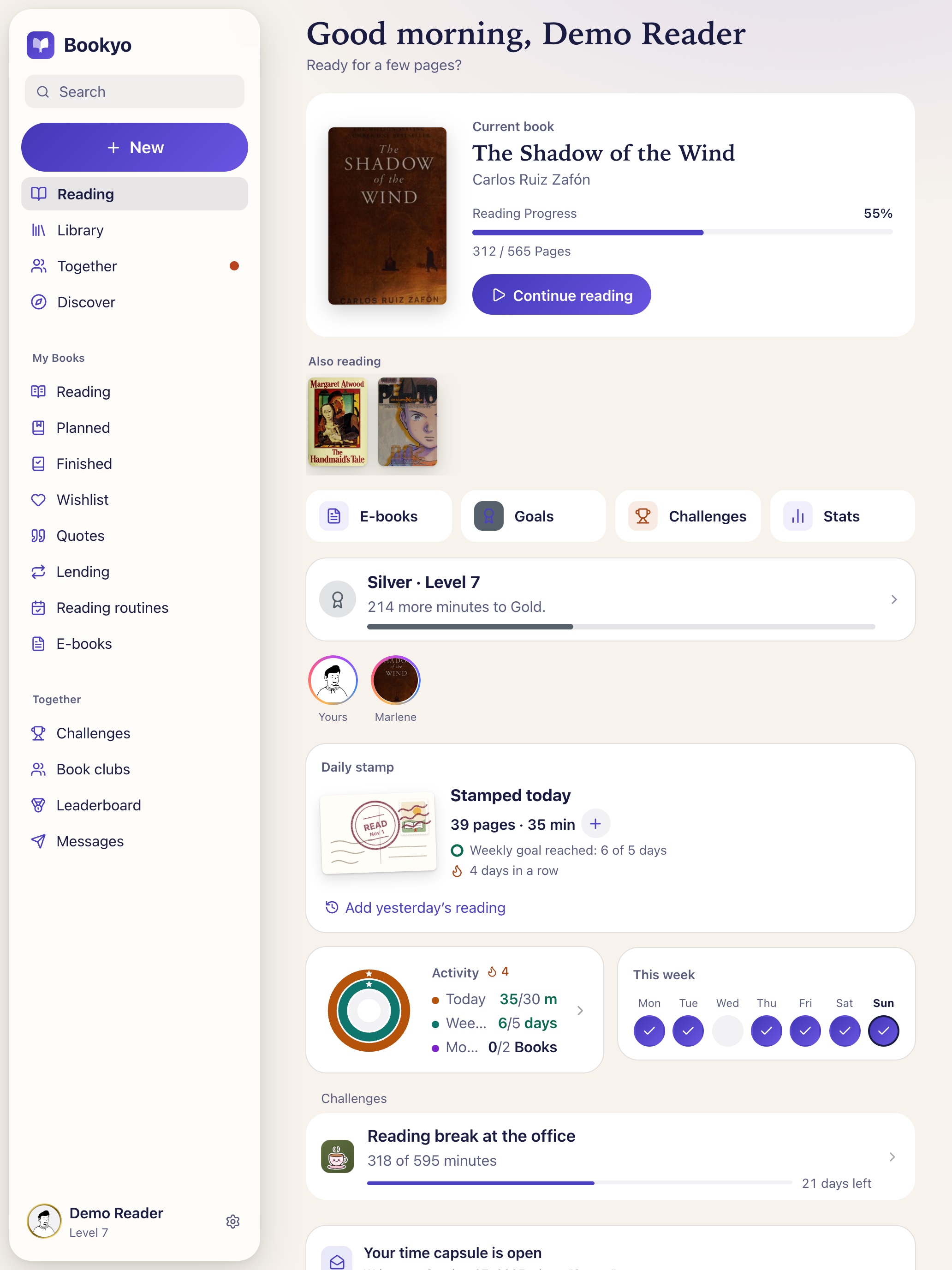
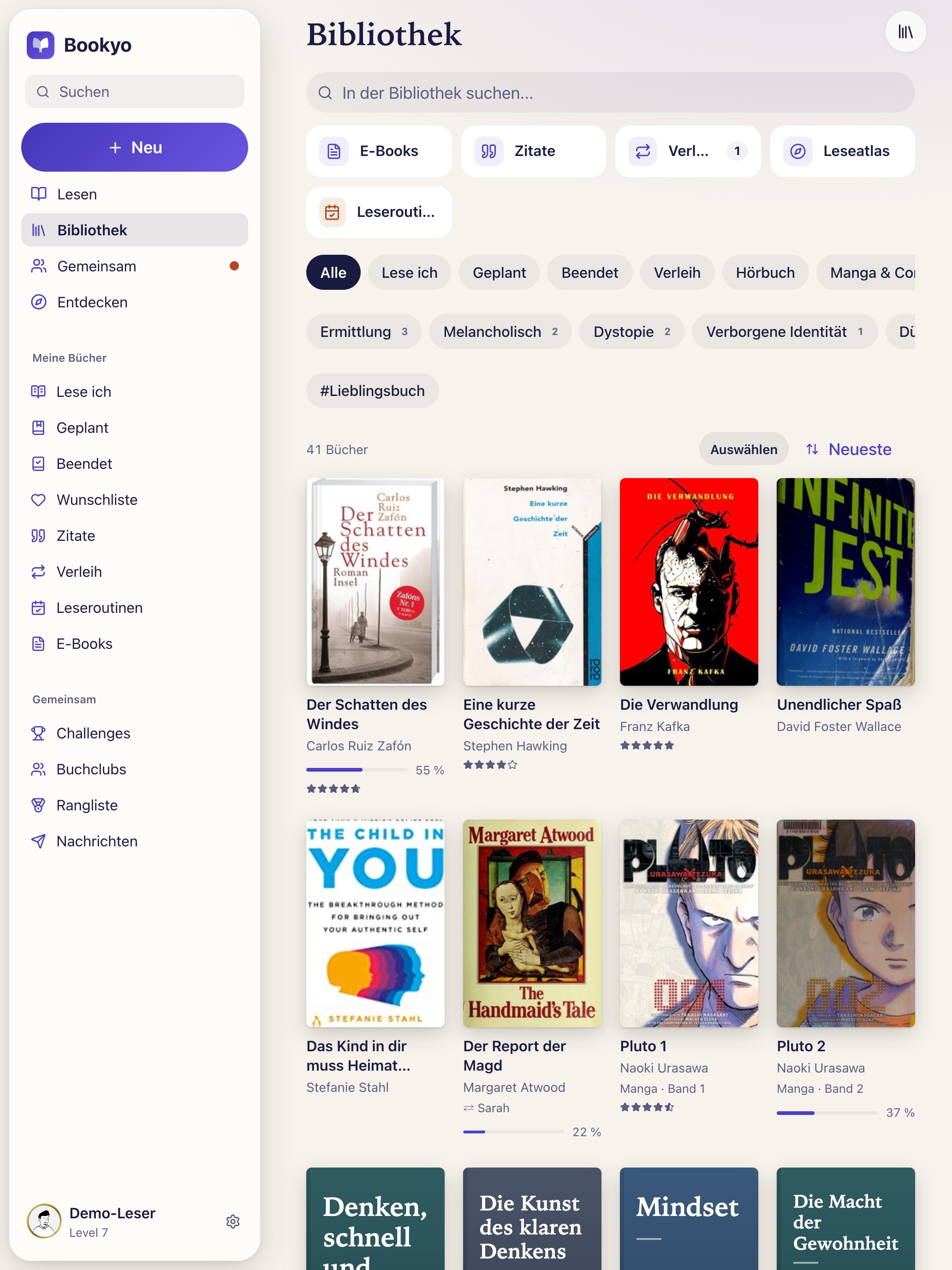
The same images in the other languages:
- Deutsch: Library · Reading
- Türkçe: Library · Reading
- Español: Library · Reading
- Français: Library · Reading
- Italiano: Library · Reading
- 日本語: Library · Reading
- العربية: Library · Reading
App icon
- SVG, vector (1 kB)
- PNG 512 × 512, transparent corners (21 kB)
- PNG 512 × 512, full bleed (15 kB)
Suggested caption: “Bookyo 1.5.0 on iPad: library with sidebar and a dedicated manga & comics shelf. Image: Bookyo”
Contact
Questions, a test account or a specific image? Write to kontakt@bookyo.org – Yusuf Öz answers personally.